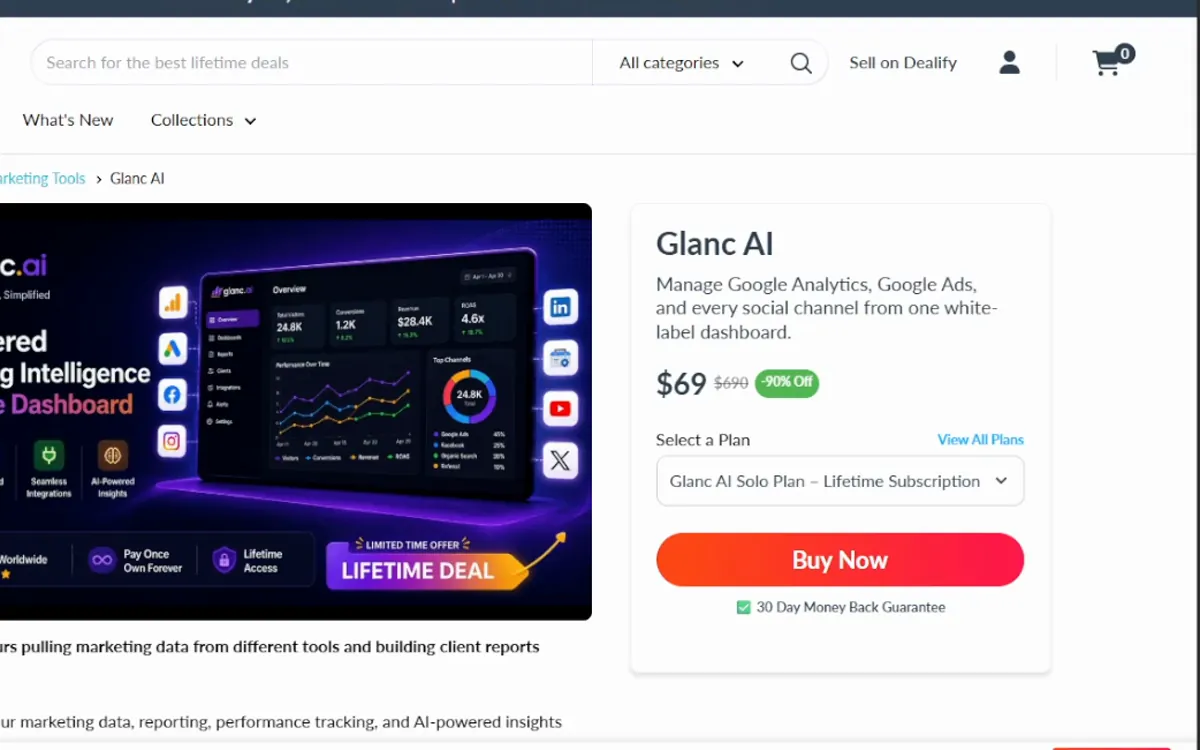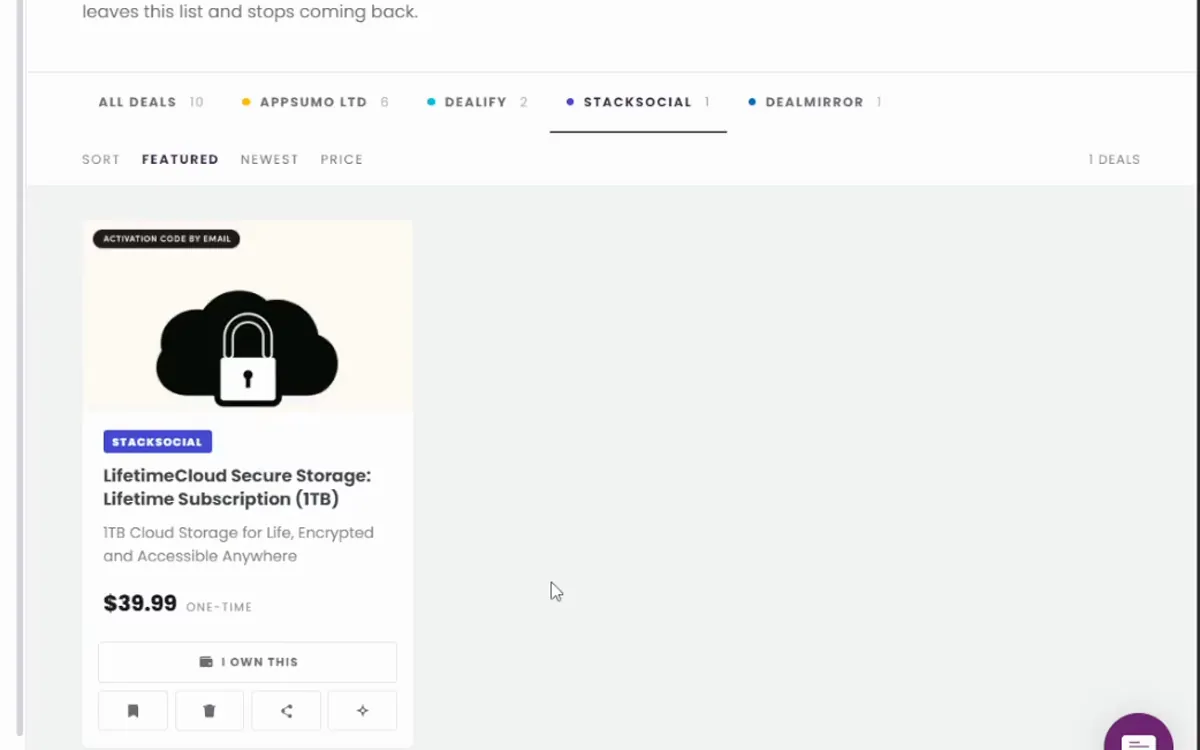













AppSumo's standard refund policy is generous. Most products on its marketplace can be returned for any reason within 60 days of purchase, with the money going back to the original payment method. Some listings, such as digital downloads, are excluded, and a listing states it when its window differs. The window only helps if you use it, so here is a plan for those 60 days.
Week one: set it up for real. Connect the actual accounts, import actual data and run the one job you bought it for. The most common wasted deal is a tool nobody opened after the purchase email. If setup alone is painful, that is already an answer.
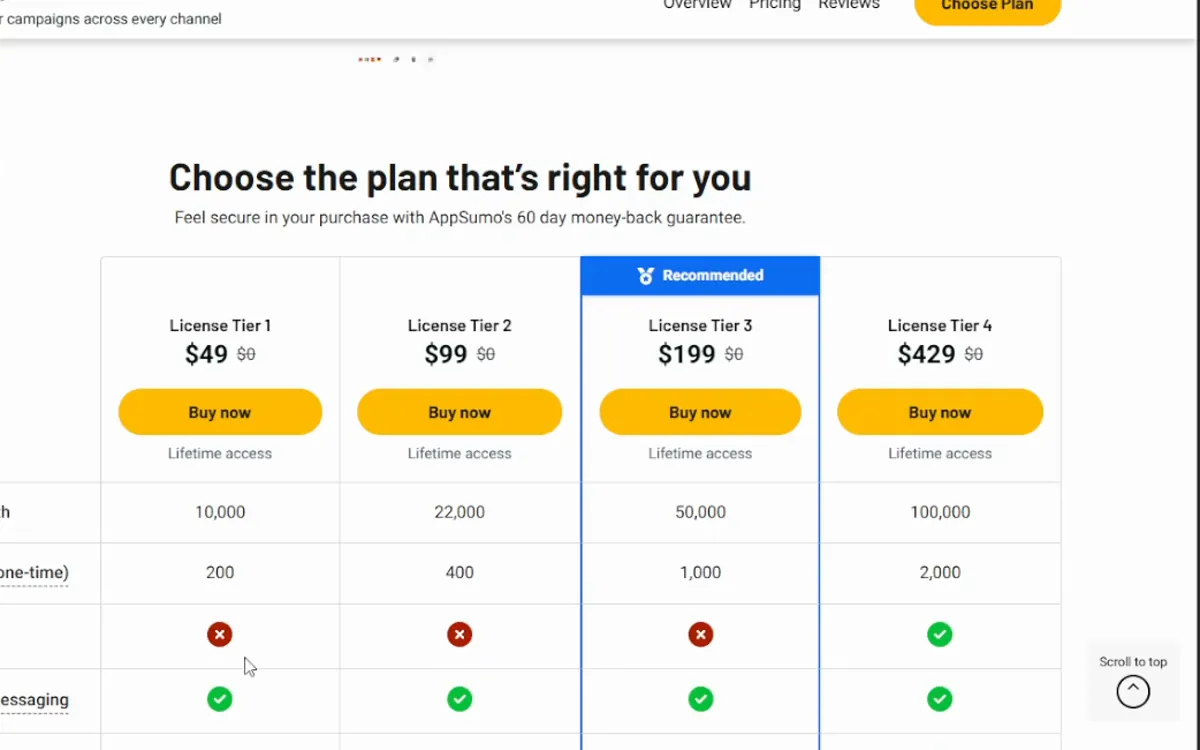
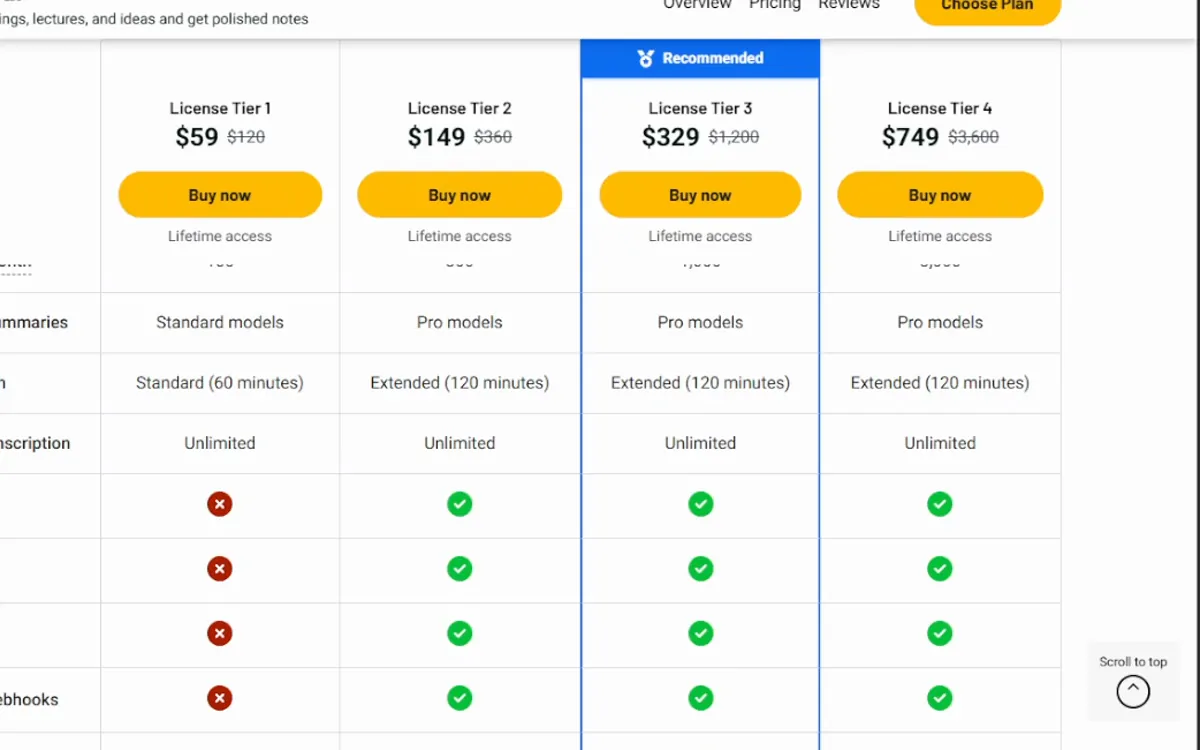
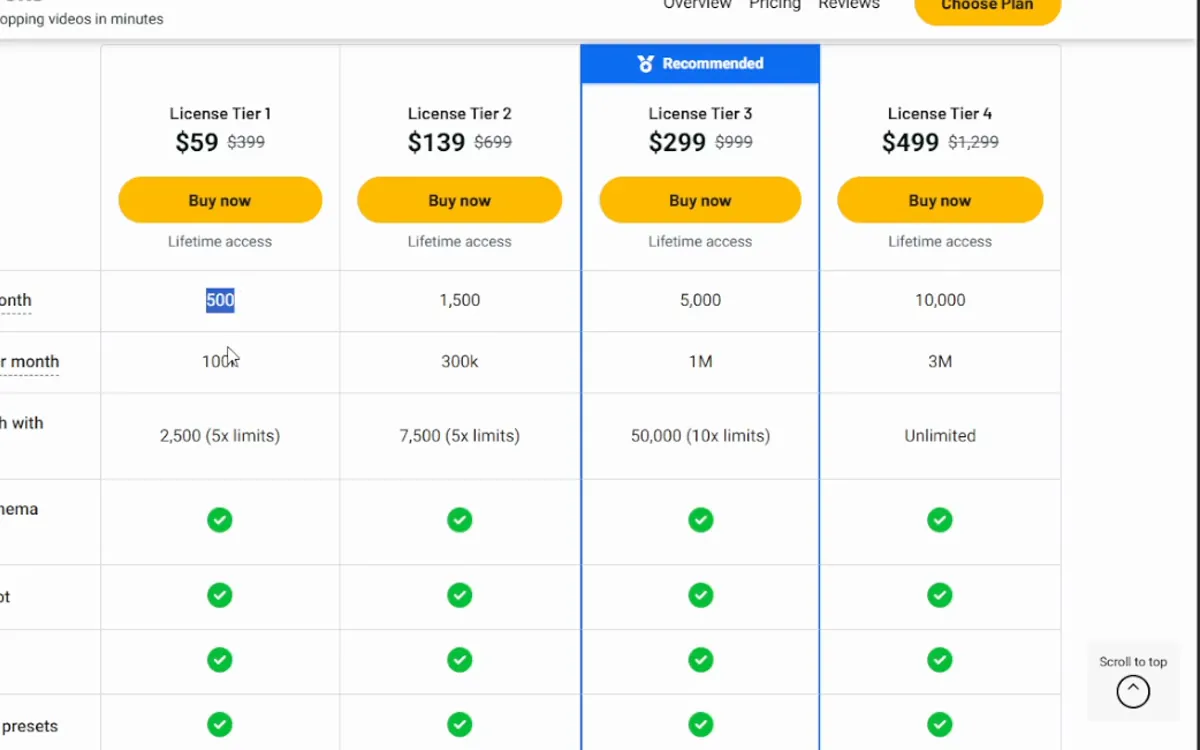
Week two: compare the limits with your usage. After a normal week, look at the dashboard counters. If you have used half your tier's monthly allowance, you will run out every month. Either buy up while the deal is live or plan to refund.
Weeks three and four: test support and progress. Send one real question and see how long the answer takes. Check the roadmap or changelog for anything shipped since the campaign started. A founder who goes quiet during the deal, when attention is highest, will not be louder a year later.
Weeks five and six: ask whether you would pay the monthly price. If the product also sells a normal subscription, imagine you were paying it. If you would not pay it for three months, the lifetime price is not a bargain for you. It is a small loss you have not noticed yet.
Refund early if you see these: features marked coming soon in the listing that stay that way, a pricing change that moves your tier's features into a paid add-on, or a product that fails the promise in its own headline.
Before day 55: decide. Do not leave it to the last day. The request has to be made inside the window, and you want slack if anything goes wrong.
The short version: use the tool on real work in week one, check its limits against your usage in week two, and make the keep or refund call by about day 55. A deal you are still unsure about at day 55 is a deal to refund.