













Predictive analytics sounds like something that needs a data science team. For a small business, it usually means answering three questions: how much will I sell next month, which customers are about to leave and how much stock do I need. You can get useful answers to all three with tools you probably already have.
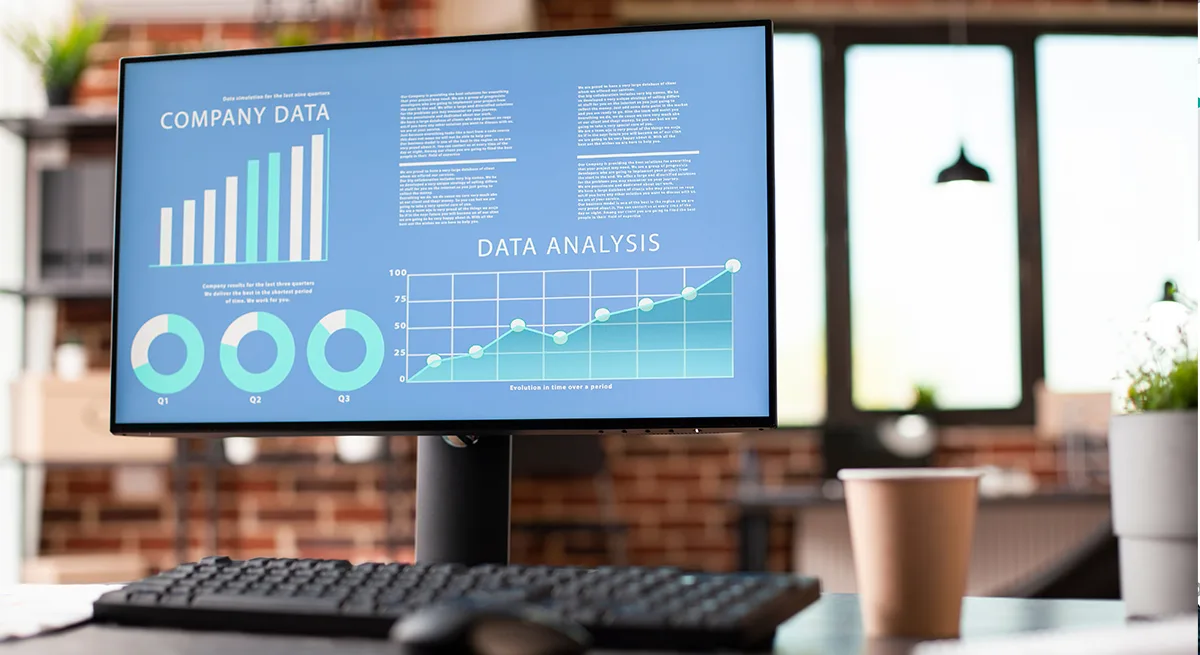
Start with a spreadsheet. Excel has had a Forecast Sheet feature since Excel 2016. Give it a column of dates and a column of sales, and it builds a forecast with a chart and a confidence range. Under the hood it uses a method called exponential triple smoothing, which accounts for trend and seasonal patterns, such as a December spike, rather than just drawing a straight line.
If you sell online, Google Analytics 4 offers predictive metrics, including the probability that a user will purchase or churn in the next seven days. There is a real hurdle, though. Over the past 28 days, at least 1,000 returning users need to have triggered the event and at least 1,000 need not to have. Many small shops never reach that, and the metrics simply do not appear.
Your point-of-sale, e-commerce or accounting software may already include forecasting too. Check before buying anything new, because a built-in report fed by your real transactions often beats a separate tool that needs its data exported and cleaned.
The quality of the prediction depends almost entirely on the quality of your history. You need at least a year of data to see seasonality, and ideally two or more. If your records have gaps, one-off events such as a big wholesale order, or a change in how you count sales, the forecast will learn the wrong lesson. Cleaning that up is most of the work.
Treat forecasts as a range, not a number. A projection that next month will bring between $18,000 and $24,000 is more useful than a single figure, because it tells you how much cash to hold back.
Be wary of vendors selling AI forecasting to very small businesses. With a few hundred customers and a couple of years of sales, a fancier model rarely beats simple smoothing, and it costs a monthly fee.
The short version: put two years of sales into Excel's Forecast Sheet and see what it says. Check whether your existing software already forecasts. Pay for a dedicated tool only once your data is clean and your volume is large enough for it to matter.